The Tranquil Blog
Dial Plans for Sangoma P370 in the UK

Solving the "Instant Dial" Bug on Sangoma P370 Handsets
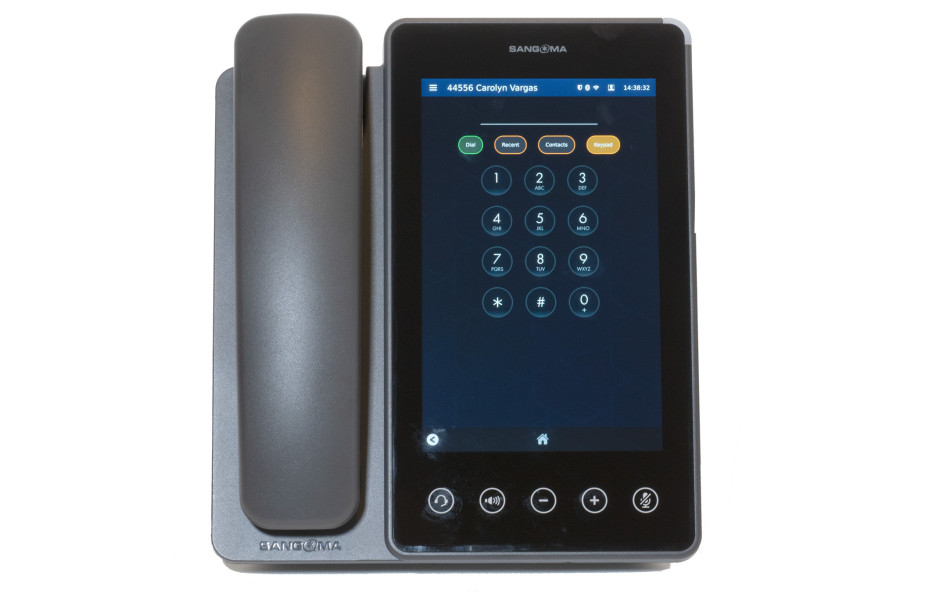
At Tranquil IT, we recently encountered a frustrating edge-case with the Sangoma P370 series handsets. FreePBX Users reported that while attempting to dial out, the phone would prematurely execute the call after only three or four digits were entered—effectively "cutting off" the user before they could finish the number.
If you’ve experienced this, you know it makes the system feel broken, even when the underlying SIP trunk and registration are 100% healthy. Here is the breakdown of why this happens and how to fix it in the Endpoint Manager (EPM).
The Root Cause: Overzealous Digit Matching
The issue lies in the handset’s internal Dial Plan. In many default templates, the dial pattern is set to a very broad rule, such as x+.
In the logic of the P370 firmware, x+ is an aggressive "match-all" rule. As soon as the handset detects a valid digit sequence that could potentially match that rule, it immediately fires the INVITE packet to the PBX. Because x+ technically matches a single digit, the phone stops listening for further input and attempts to route the call the moment the first few buttons are pressed.
To fix this, we need to replace the broad match-all rule with explicit patterns that define what a "complete" number looks like, while using a Timeout Suffix to tell the phone to wait.
The New Dial Pattern
We updated our templates to the following string: [2-9]11|0T|[2-9]xxxxxxxxx|1xxxxxxxxxx|[0-9]xxx.T
Why this works:
-
Explicit Lengths: Patterns like
[2-9]xxxxxxxxx(10 digits) tell the phone exactly how many digits to expect for a standard external call. -
The
.TSuffix: This is the most critical part of the fix. The.Ttells the handset: "This pattern matches, but I want you to wait for a specific timeout period (usually 3-4 seconds) to see if the user presses another button before you execute." -
The
0TRule: This allows for operator or international dialling where the length might vary, again using the timeout to ensure the user is finished.
How to Apply the Fix to FreePBX
-
Navigate to your Endpoint Manager in FreePBX/PBXact.
-
Open the Template assigned to your P370 handsets.
-
Go to the Options tab.
-
Locate the Dial Patterns field and paste the explicit string above.
-
Save and Rebuild the configs, then Update the phones.
Once the phones pull the new XML configuration, the "instant-fire" behavior will cease. The handset will now intelligently wait for the user to complete the string, providing a much more stable and professional user experience.
Looking for expert PBX management or support?
Visit us at tranquilit.net.